
BEEM MCP: ChatGPT Sign-in Fix and Clearer Errors
Reconnecting from ChatGPT works again, and errors explain themselves better.
- ChatGPT sign-in fixed — Signing in to BEEM from ChatGPT no longer fails with an "Unregistered redirect_uri" error a day after the connector was added. If you hit this error, sign in again from ChatGPT; you don't need to remove and re-add the connector
- Clearer folder errors — If a folder can't go where you asked, the reply explains the rule and how to pick a valid parent folder
- Clearer permission errors — When your account isn't allowed to reach something, you get a short explanation instead of a wall of technical detail
- Clearer errors on deleted records — Updating something that was deleted in the meantime now says so plainly, instead of returning a database error. Your assistant is told to check whether it still exists rather than silently recreating it
- Clearer errors on expired page tokens — Asking for the next page of results with a token that has expired, or that came from a different request, now explains how to start over
- Better handling of busy periods — When AWS briefly rate limits a query, the reply says it is temporary and worth retrying, rather than looking like a failure
- Clearer errors on result limits — Asking for zero results no longer fails with a database error; the request is rejected up front with a clear explanation
BEEM MCP Server, released 5 November 2026
Polish for the New Sidebar and the AI Assistant
✨ Summary
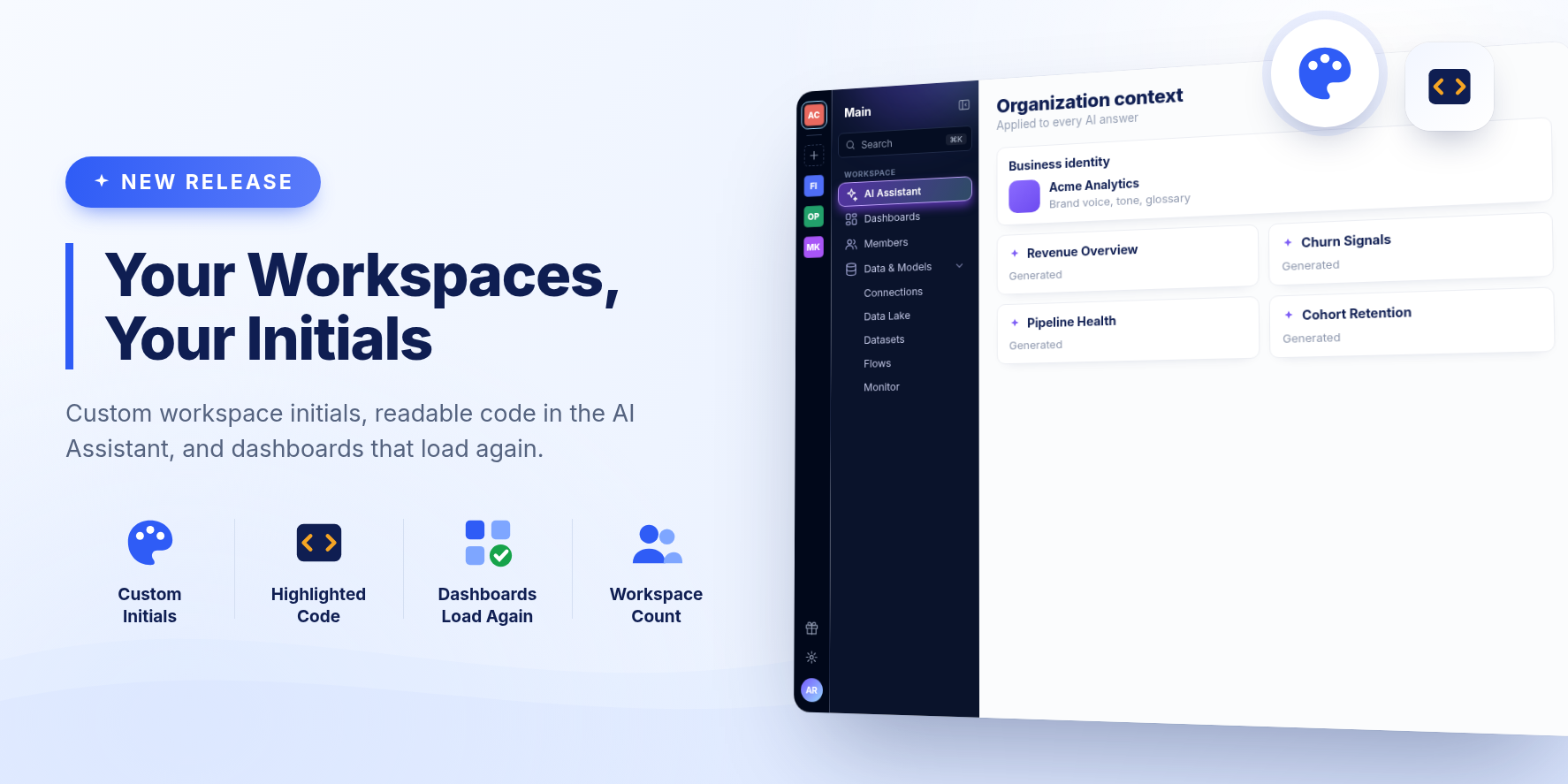
Workspaces can have their own initials, and creating one shows how many your organization has left. Code in the AI Assistant is easier to read, and dashboards over datasets with unusual names load again.
New Features
Your own workspace initials
When two workspaces start with the same letters, their tiles look alike. Admins can now pick two letters for a workspace in Customize, on the Initials tab. Left empty, a workspace keeps the first two letters of its name.
Readable code in the AI Assistant
SQL, JSON and Python in a conversation are now highlighted, in answers and in the assistant's thought process. When you ask to save a query as a dataset, the query is laid out over several lines.
Improvements
- Creating a workspace starts with an empty name, rather than a made-up one you had to replace.
- The + on the left edge of the sidebar shows how many workspaces your organization has out of its limit, and says so when the limit is reached instead of opening a form you cannot save. It now sits after your other workspaces.
- A collapsed sidebar has an expand button under the workspace tile.
- The sidebar shows your organization's name under the workspace's again.
- Conversation Details can be shown again after you hide it, from a button where the panel was.
- The highlight on the selected sidebar item no longer spills onto the item below.
- Ask AI on an AI dashboard opens the dashboard's own chat, with the conversation that built it.
- The card for a dataset the AI Assistant creates says how many rows and columns it has once it is ready.
- Stopping an answer keeps your question, with whatever had been written so far.
- Without a dataset enabled for AI search, your conversations and projects stay available, and a dashboard can still be built, on sample data.
- A memory edit that cannot be saved now says so, instead of quietly reverting.
Bug Fixes
- Fixed AI dashboards over a dataset whose name has spaces, parentheses or symbols, which showed "The data could not be loaded" on every card.
- Fixed "The version undefined doesn't exist" and an endless loading screen when opening a dataset right after it was created. The dataset now opens on its latest run, or says its first refresh is still running.
- Fixed the AI Assistant's greeting animation freezing in Safari and pushing the question mark onto its own line.
- Fixed a question left while it was being answered, for instance by asking another from a project, never getting its answer.
- Fixed dashboard cards in the AI Assistant staying on "Building" after the dashboard was ready.
- Fixed role descriptions being cut off in the Add members window.
Release 2615.1
A New Sidebar, With Your Workspaces One Click Away
✨ Summary
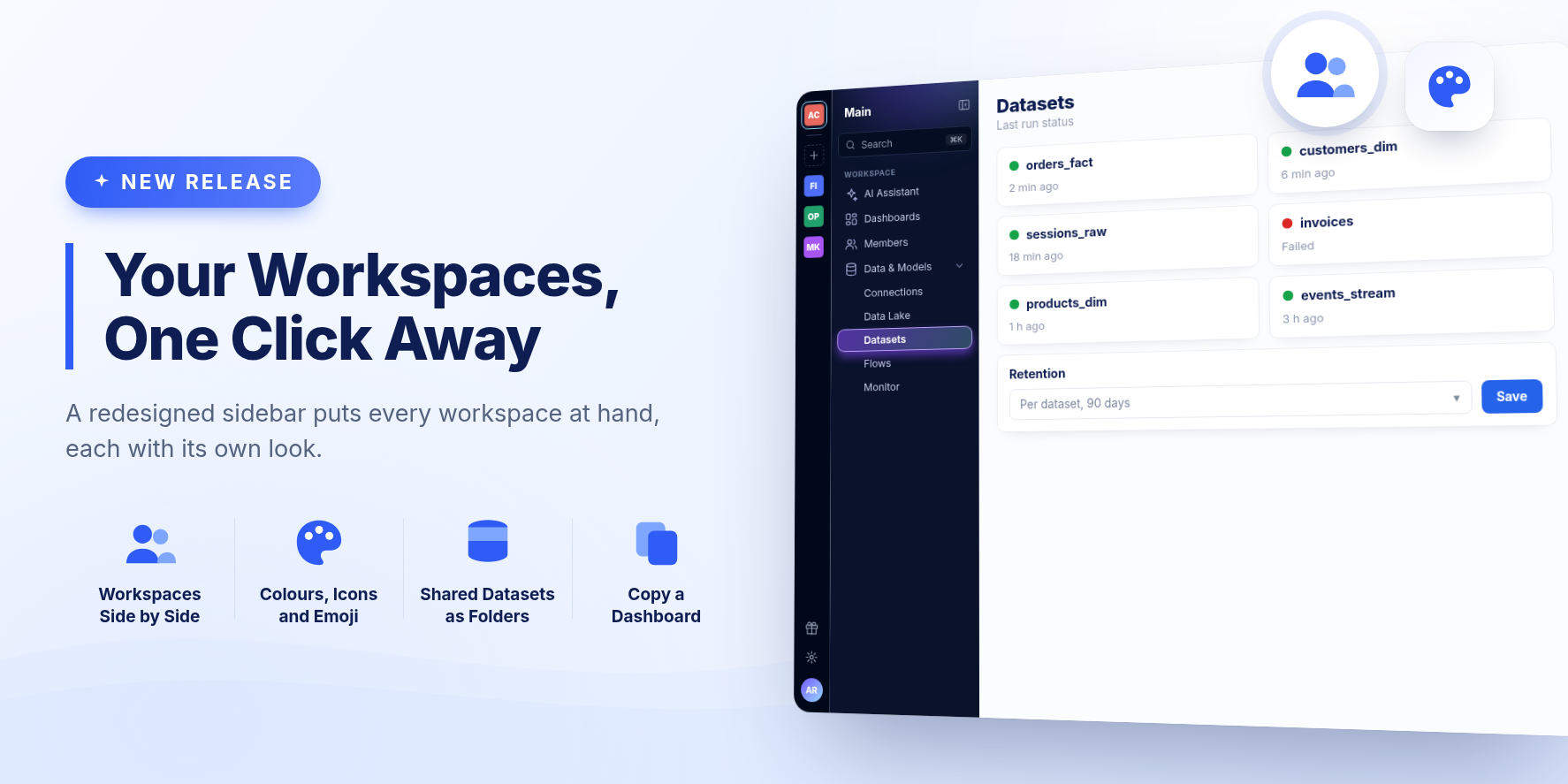
The sidebar is redesigned around your workspaces. Each one sits on the left edge of the sidebar, ready to switch to, and admins can give each its own colour, icon or emoji. Settings is split into screens of their own, and the AI Assistant can now copy an existing dashboard.
New Features
Your workspaces, side by side
Every workspace you belong to now has a tile on the left edge of the sidebar. Click one to switch to it, or click + to create a new one, choosing its name and look as you create it.
Make each workspace recognizable
Admins can rename a workspace and give it a colour, an icon or an emoji, by clicking the workspace's name at the top of the sidebar. Its tile shows that look everywhere it appears. A workspace that has none keeps its initials, as before.
Shared datasets live with your datasets
Datasets that other workspaces share with yours now appear as folders on the Datasets page, one per workspace, after your own folders. Open one to browse what that workspace shares.
Settings, split into screens
- Settings, in the sidebar, holds your organization's settings.
- Workspace settings, for admins, opens from the workspace's name at the top of the sidebar.
- Members and Connections are now sidebar entries of their own, for admins.
- Account and your preferences open from your profile at the bottom of the sidebar.
Old links to a Settings tab still take you to the right place.
The AI Assistant can copy a dashboard
Give the assistant a dashboard's link or name and ask for a copy. The copy is exact, ready at once, and leaves the original untouched. Then ask for changes in the copy's own chat.
Tell us when an answer misses
A thumbs-down on an AI Assistant answer now reaches our support team, with the reason you pick, your note if you add one, your question and the steps the assistant took. The answer itself is never sent.
Changed
- The sidebar's sections have new names: Datasets (was Warehouse), Data Lake (was Datalake) and Dashboards.
- A collapsed sidebar shows each section's name when you hover its icon.
Bug Fixes and Improvements
- Pages taller than the window, such as Datasets, Flows and Monitor, scroll again.
- Workspace members now see the projects and conversations others share, including in busy workspaces with many large conversations.
- The owner of a shared project now sees the conversations other members add to it.
- Asking a question from a project starts a new conversation, rather than reopening the previous one.
- Dashboard and dataset links in an AI Assistant chat open in a new tab, so you keep your conversation.
- A conversation in which the assistant once replied with nothing no longer fails on every later question.
- The AI summary of a configuration change works for large organizations.
- Links opened from a dashboard, including sign-in redirects and file downloads, now open as expected.
- The dataset editor uses the same font however you open it.
- Removing a user no longer shows an error when the removal succeeded.
- Signing in no longer flashes "We couldn't load your workspaces" first.
- Usage charts in Settings are drawn at the right size on wide screens.
- The language you pick in Preferences stays selected after a reload.
- Returning from a source's re-authorization no longer shows an error code.
Release 2615
BEEM MCP: Folder Creation Works Again
Folder creation is working again.
- Create, rename and move folders — Creating a folder, renaming one, or moving it to another location works again from your AI assistant. New folders go inside an existing folder, so your agent can file new datasets where they belong instead of leaving them in the parent folder
BEEM MCP Server, released 16 October 2026
AI Insights Becomes the AI Assistant
✨ Summary
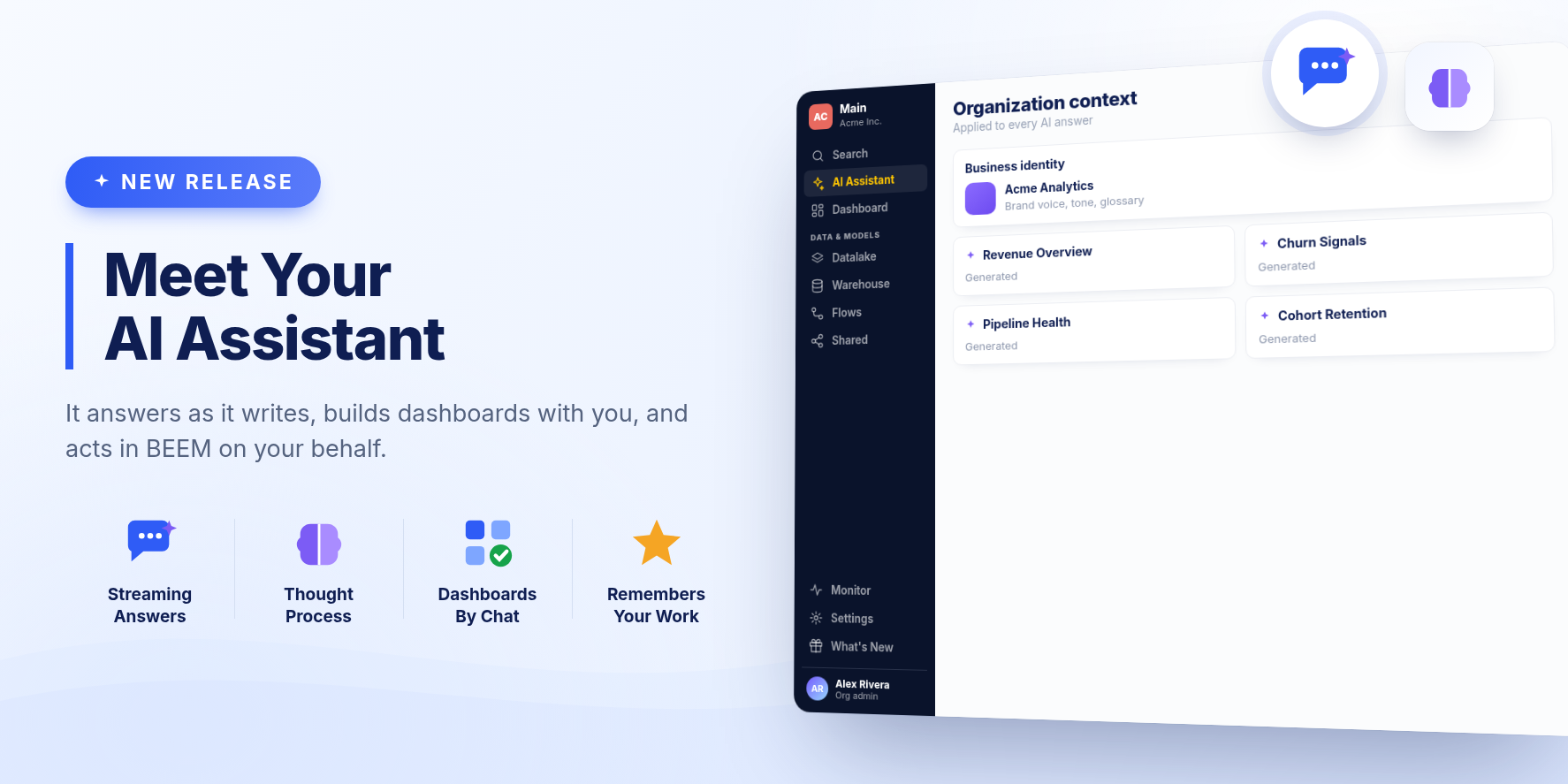
AI Insights is now your AI Assistant. It answers as it writes, shows how it got there, and can act in BEEM for you: build dashboards, create datasets and tests, explain what failed, and connect new sources.
New Features
An assistant that thinks it through
The AI Assistant now shares its thought process in real time, so you can follow along as it works. It no longer stops after 30 seconds, and it can work through several steps to answer one question. Stop a question at any time, or retry one that failed.
An assistant that acts in BEEM
Ask the assistant to:
- build a dashboard, which it follows until it is ready;
- create a dataset from a query and deploy it;
- add a test to a dataset;
- propose a fix for a dataset that failed;
- read what ran or failed in Monitor;
- connect new sources.
Datasets it creates are on for AI search, and filed under AI Assistant in the Hub, under your name and the conversation's title.
Dashboard builder agent
The dashboard agent is dedicated to helping you build dashboards from simple prompts:
- Ask for a change.
- Select cards on the dashboard to change only those.
- Attach images, PDFs or spreadsheets for reference.
Every change is a new version you publish when you are happy with it. While it works, the dashboard shows what the assistant is doing.
Memory
The assistant remembers what you tell it about your work and preferences, across conversations and dashboards. Open Memory to see, edit or remove what it remembers, or forget everything.
Conversations you can link and share
Each conversation has its own link, and anything the assistant creates links back to the conversation it came from. Share a conversation with your workspace to let others read it, or share a project so its members can use and edit it.
Choices with one click
When the assistant needs you to pick between a few options, it shows them as buttons.
Bug Fixes and Improvements
- Switching organization is a searchable list.
Release 2614
BEEM MCP: Stay Signed In for 90 Days
Stay signed in longer.
- Fewer sign-ins — Your BEEM connection now stays signed in for 90 days instead of 7, so tools and automations (such as n8n workflows) no longer ask you to log in every week. The longer sign-in applies from your next login
BEEM MCP Server, released 1 October 2026
A Reworked Sidebar and Settings Page
✨ Summary
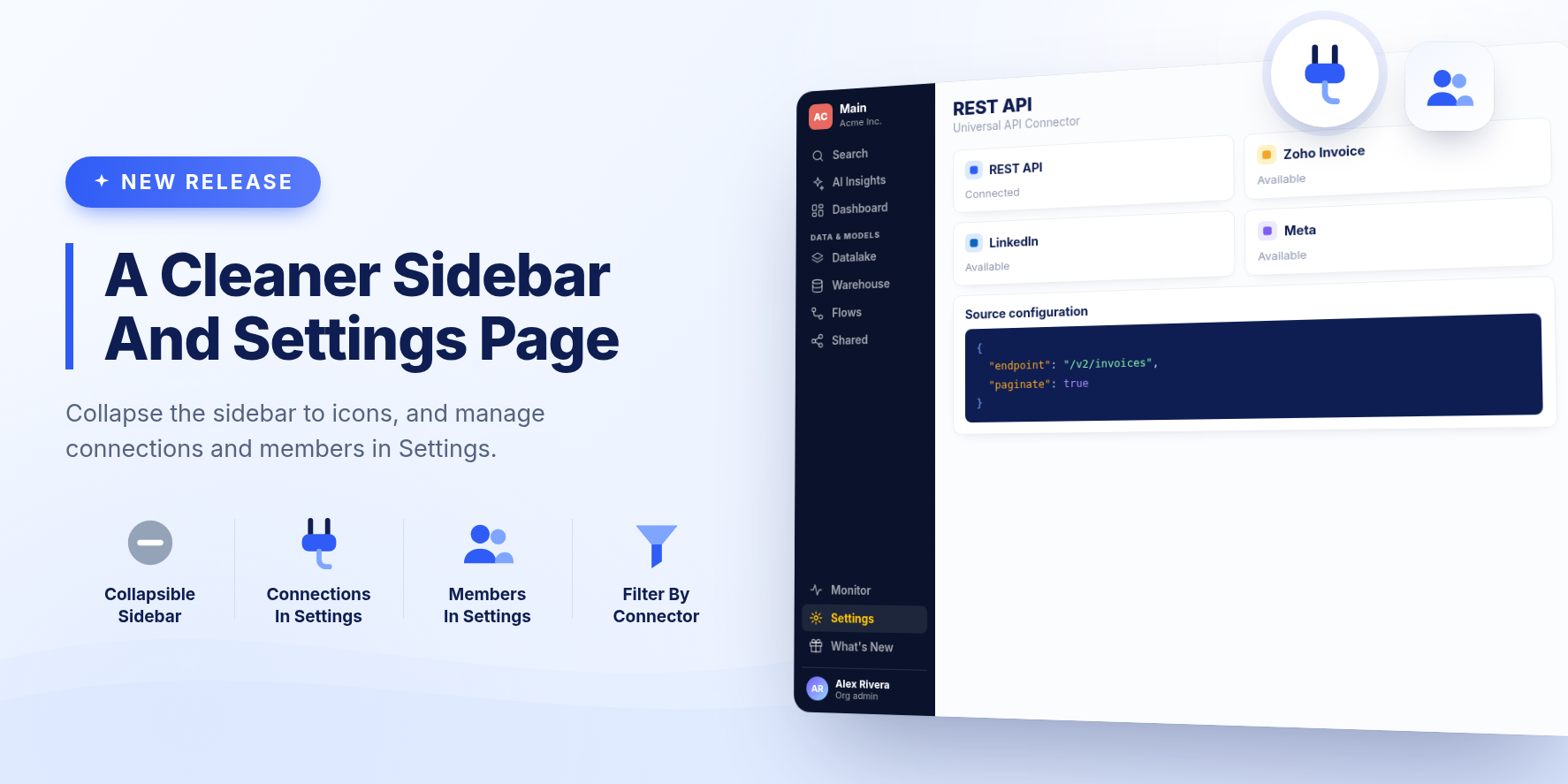
The sidebar collapses to a row of icons and groups your data tools under Data & Models. Settings is now a full page, and it is where you manage a workspace's connections and members.
New Features
A sidebar you can collapse
Collapse the sidebar to a narrow row of icons to give pages more room, and expand it again with one click. Your choice is remembered. Datalake, Warehouse, Flows and Shared are grouped under Data & Models.
Settings as a full page
Settings opens as a page instead of a dialog. A Workspace section at the top holds the current workspace's Connections and Members, followed by your organization's settings. Existing links to Connections and Members still work and open the right tab.
Redesigned Connections and Members
Connections are listed by connector, with a search box and a filter for each connector type. Members lists each person in the workspace with their role, which you can change from the list.
Dashboard caching keeps up with your changes
The dashboard cache now follows the dashboard. When you change a dashboard's cache settings, it starts, stops, or reconfigures its cached data to match. When you delete a visualization or remove a widget from a dashboard, its cached data is cleaned up so stale results are no longer refreshed.
Bug Fixes and Improvements
- Dashboard links now open the right page in the same window instead of a blank page or a new tab.
- The Hub loads faster, with folder and card sharing information fetched in a single batch instead of one request per card.
- The What's New panel keeps opening after you switch between workspaces several times.
- Wide dialogs are no longer partly hidden behind the sidebar.
- In the workspace menu, each workspace has its own Edit button on the same row.
Release 2613
Usage and Billing in Settings
✨ Summary
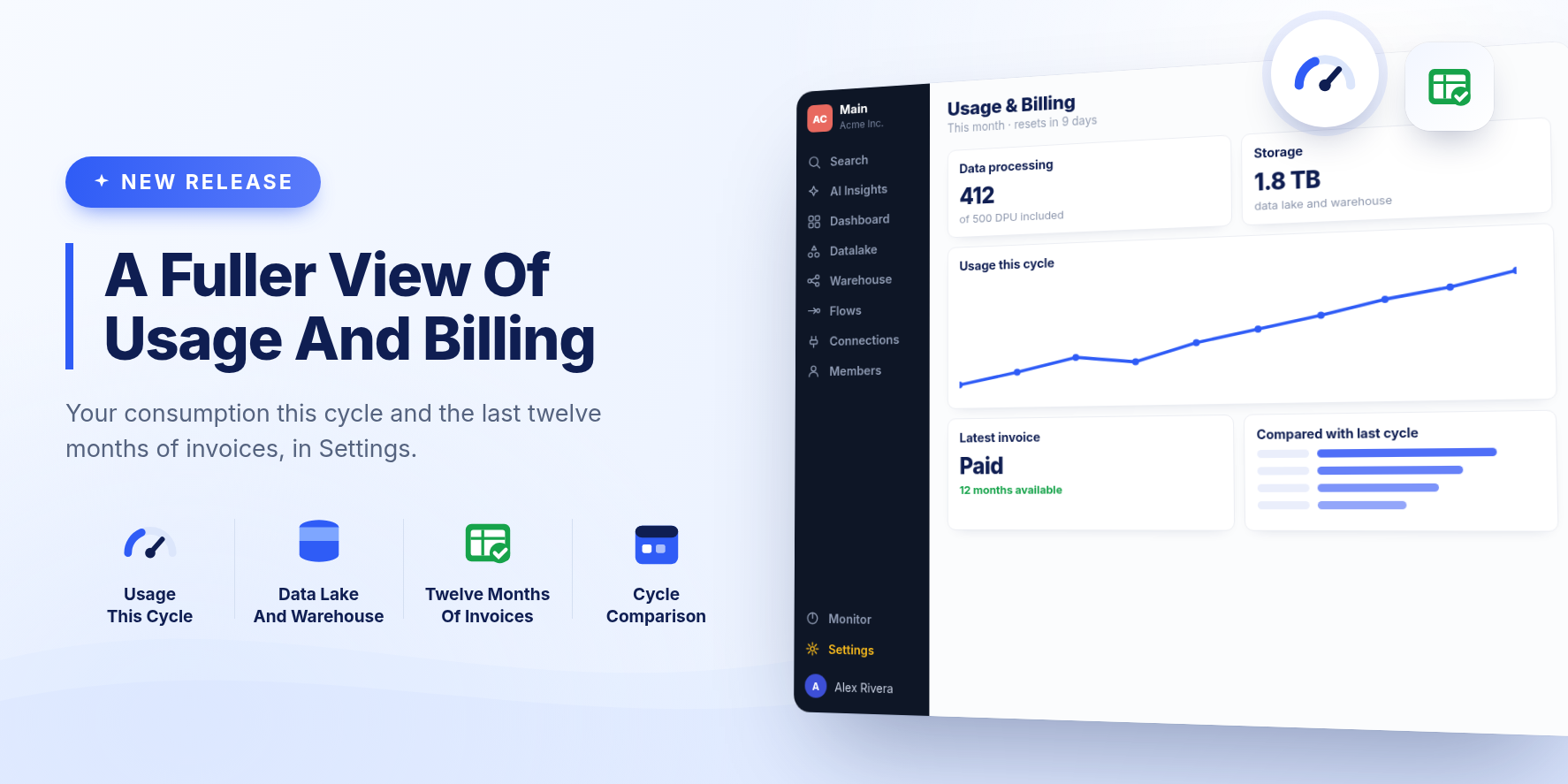
Settings has a new Usage & Billing tab for what you have used this cycle and the invoices it is billed against. A What's New panel brings release notes into the app.
New Features
Usage & Billing
A tab in Settings for what your organization has consumed in the current cycle, next to the plan and invoices it is billed against.
It covers data processing in DPU and storage across the data lake and the warehouse, each shown against what your plan includes. You can compare the current cycle with the previous one and see how usage built up day by day.
Invoices
Billing now lists the last twelve months of invoices, each with its status.
What's New
A What's New item sits at the bottom of the sidebar and opens release notes. You can also subscribe by email to get future updates.
Improvements
- A dataset whose owner is no longer an active member now shows that, with the option to reassign it to a current member.
- A saved view that filters or sorts on a column that has since disappeared now names the missing columns and offers to drop those rules or keep them.
- Resetting a warehouse password before you have one explains that and offers to generate one, instead of returning an error.
Bug Fixes
- Fixed a blank app at sign in for anyone still carrying membership of a workspace that no longer exists.
- Fixed folder listings failing as a whole when a single dataset in them belonged to a deleted user.
- Embedded dashboards left open for more than an hour keep answering queries.
- Fixed embedded dashboards that rendered but never loaded a card.
Release 2612.1
Dashboard Caching for Faster Load Times
✨ Summary
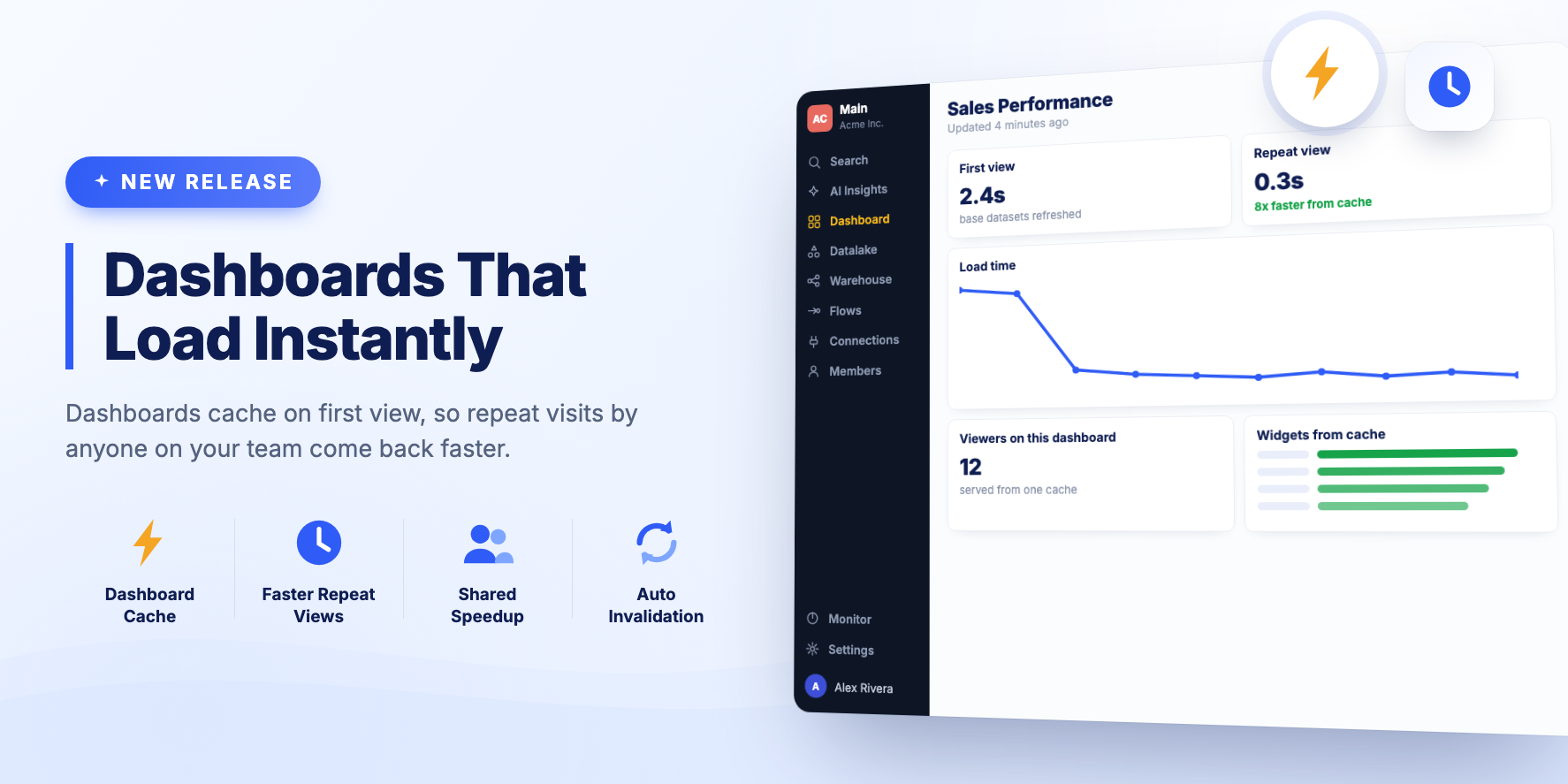
Dashboards cache their data on first view, so repeat views are faster.
New Features
Dashboard caching on first view
This is the first phase of the feature and it is rolling out gradually.
The first time a dashboard is viewed after its base datasets were refreshed, the dashboard data is cached. That speeds up viewing the dashboard until the base datasets refresh again. Several people viewing the same dashboard also benefit, because some widgets can be served from the cache.
Release 2612
BEEM MCP: Support for the Latest MCP Protocol
Support for the newest version of the Model Context Protocol.
- Works with the latest MCP clients — BEEM now speaks the newest protocol revision, so up-to-date clients connect directly instead of falling back to an older one. Nothing to change on your side
- Fewer stalled tool calls — Long-running queries now keep the connection alive while they work, so clients are less likely to give up waiting
- Faster reconnects — Your client can reuse the tool list between conversations instead of re-fetching it every time
BEEM MCP Server, released 25 August 2026
Dashboard Widget Refresh Fix
Bug Fixes
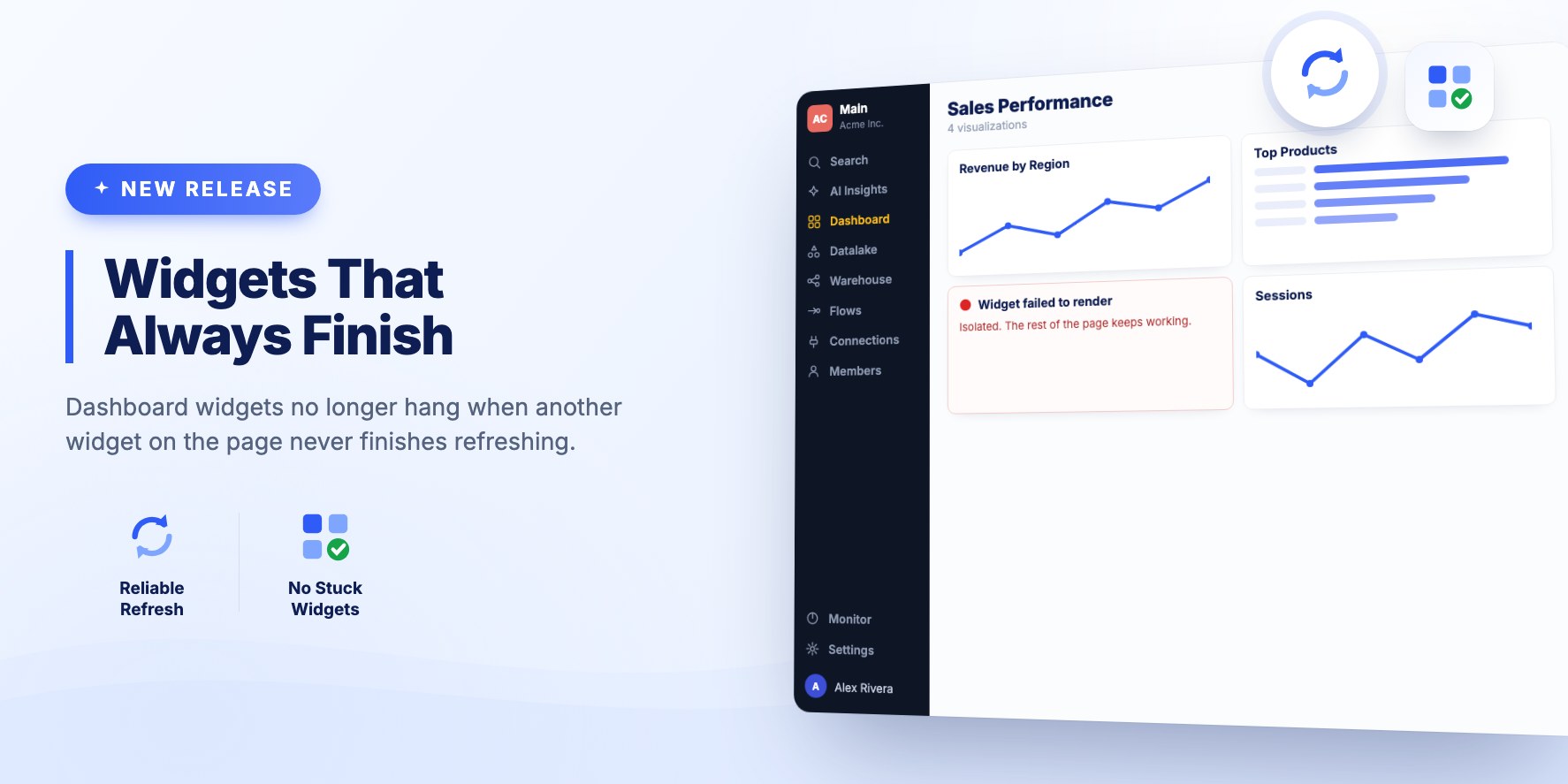
- Fixed dashboard widgets that could stay stuck loading when another widget on the same dashboard never finished refreshing.
BEEM MCP: Resumable Queries and Clearer SQL Feedback
Quicker replies on slow queries, clearer SQL feedback, and longer-lived sessions.
- Resumable long queries — A slow query or preview replies right away with a reference, and the new Get query result tool fetches the result once it's ready
- Clearer SQL feedback — A rejected preview returns the warehouse's message along with the real column names, so the query can be corrected in one step
- Longer sessions — Sign-ins and sessions are remembered for a full day
BEEM MCP Server, released 24 August 2026
Text Values on Metric Cards
✨ Summary
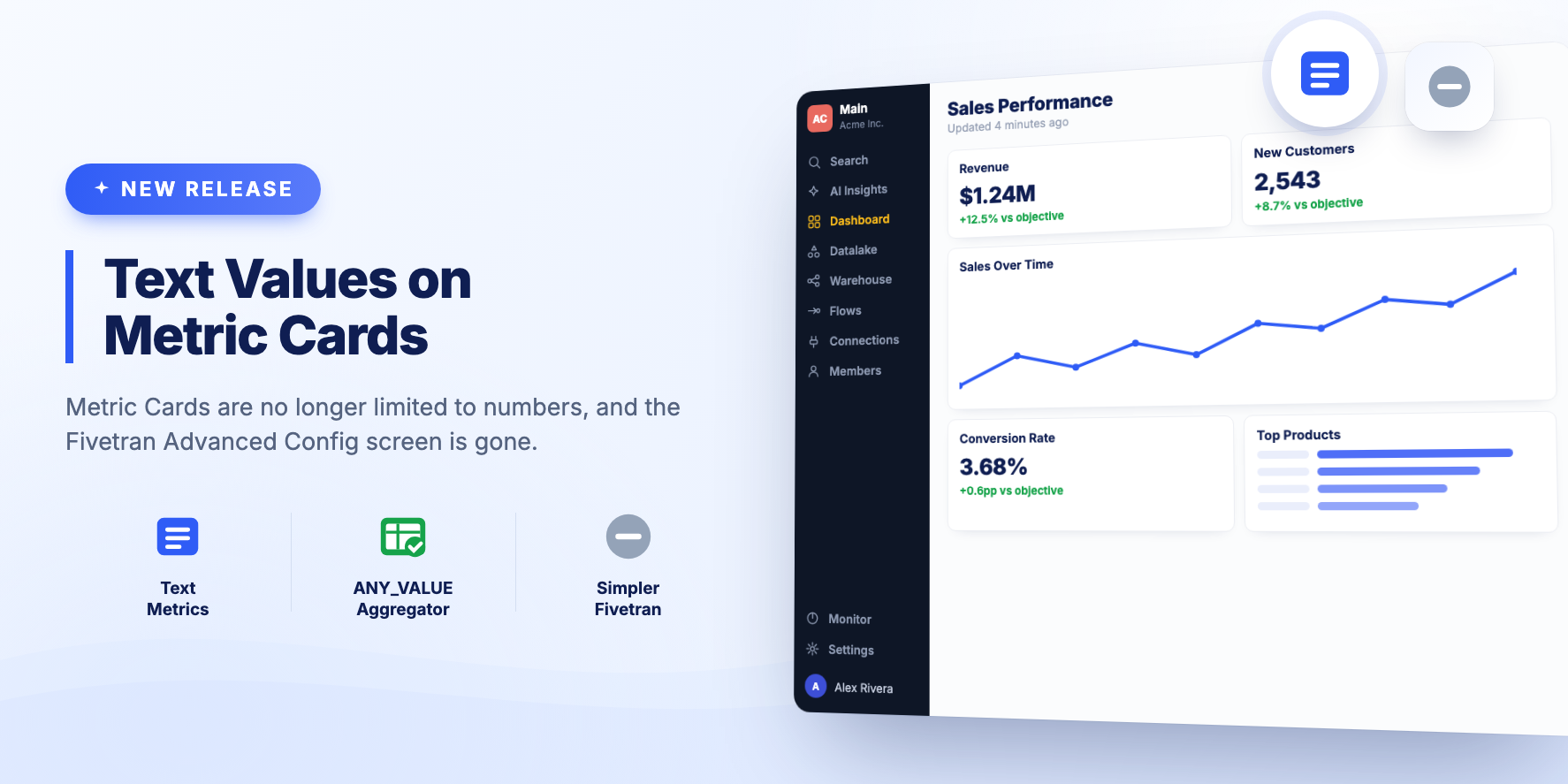
A small release. Metric Cards can display text, and the Fivetran Advanced Config screen has been removed.
Improvements
- Metric Card Visualizations can show a text value. Previously only a number could be displayed. To produce a text value from your data, the ANY_VALUE aggregator usually works.
- Removed the Fivetran Advanced Config screen. History tables are fully supported through our S3 Data Lake from Fivetran, so the screen was no longer needed.
Release 2611
AI Dashboards in the Dashboard List, Zoho Invoice and LinkedIn
✨ Summary
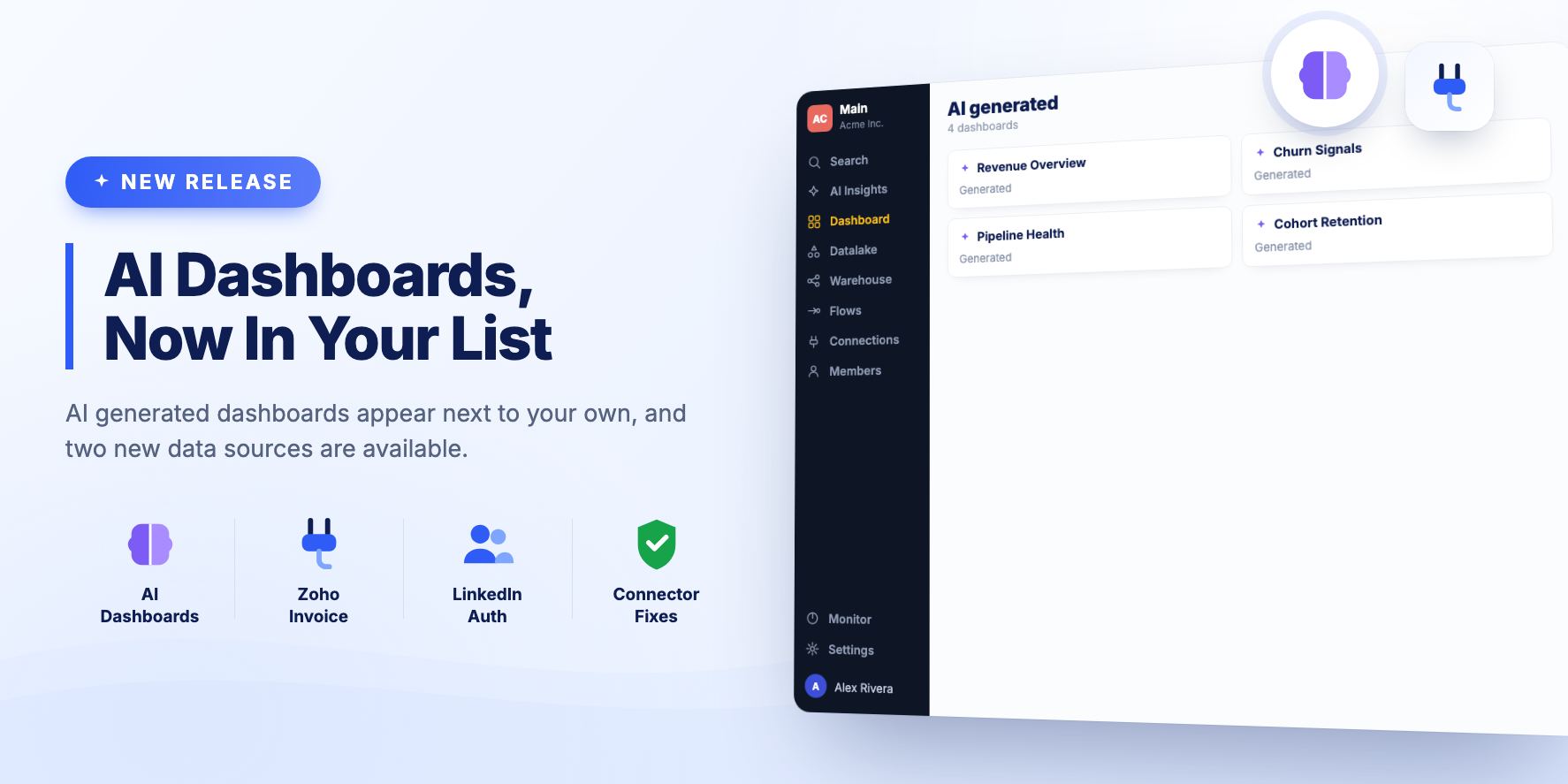
AI generated dashboards show up in the Dashboard list, and two new data sources are available.
New Features
AI dashboards in the Dashboard list
Dashboards generated by AI appear next to your own in the Dashboard list. You can find, open and manage them the same way as any other dashboard.
Zoho Invoice connector
Zoho Invoice can be connected as a data source.
LinkedIn authentication
LinkedIn is available as an OAuth provider for connections.
Bug Fixes and Improvements
- Fixed the custom connector picker getting stuck on a loading spinner.
- Fixed an error when creating a Fivetran destination.
- Fixed the OAuth callback URLs used when connecting the BEEM MCP Server.
BEEM MCP: Fewer Failed Tool Calls
Fewer failed tool calls: long-running operations no longer get cut off, and errors now tell you what to use instead of just what went wrong.
- Long operations no longer time out silently — Deploys, dataset refreshes and large queries that ran longer than a minute used to be dropped with an unexplained gateway error. They now run to completion, and one that genuinely takes too long returns a clear message naming the operation and how to resume it
- SQL errors now tell you the real column and table names — Previewing a query that references a column or table that doesn't exist now lists the actual columns of that table (or the available tables), so the query can be fixed straight away instead of by trial and error
- Better guidance on failed queries — A query rejected because of the SQL itself is no longer reported as a platform fault to escalate; it now says what to correct
- Source and connector configs are discoverable — Requesting an organization's source or Terraform config with a key that doesn't exist now returns the list of keys that do exist, and keys are matched regardless of capitalization or dashes. Very large configs return their key list instead of failing outright
BEEM MCP Server, released 10 August 2026
BEEM MCP: Now in the Claude Connectors Directory
BEEM is available in the Claude connectors directory.
- Connect BEEM from the Claude directory — In Claude on the web, desktop, or mobile, open Customize → Connectors, search for BEEM, and click Connect
- Org-wide setup for teams — A Claude Team or Enterprise admin can enable BEEM for the whole organization from the directory, and members sign in with their own BEEM account. Everyone still sees only the workspaces and datasets their account has access to
BEEM MCP Server, released 9 August 2026
Per-Dataset Retention and Large Dataset Exports
✨ Summary
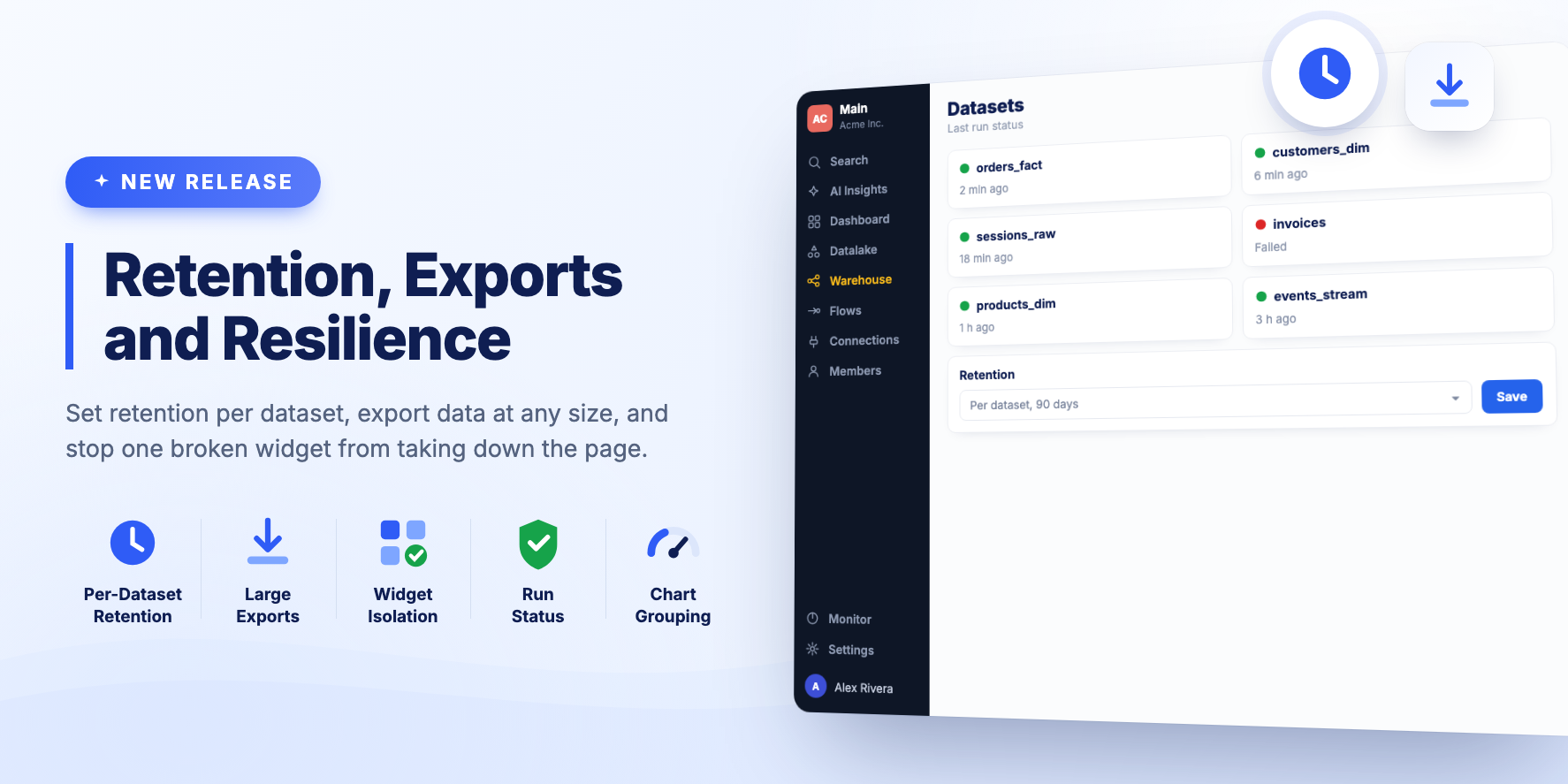
Retention can be set per dataset, large exports no longer fail, and one broken widget no longer takes down the page around it.
New Features
Per-Dataset retention
When you edit a Dataset you can set the retention that applies to that Dataset specifically. Leave it unchanged and the global Organization setting is used.
Downloading large Datasets
When a Dataset, Source Table or Consolidated Test Result held a lot of data, the warehouse engine needed longer to export the CSV and the app failed. The export process now handles this.
Widget errors stay contained
When a single dashboard widget or visualization fails to render, the error stays with that widget. The rest of the dashboard keeps working.
Bug Fixes and Improvements
- Dataset Cards on the Warehouse page show a Last Run Status indicator.
- Dataset Cards have been polished.
- AI generated dashboards support drill-down, result counts, and provenance, so you can see where a figure came from.
- Fixed an AI Insights bug where a chat was remembered after switching Workspace.
- Editing a Visualization from a Dashboard now includes a link to open the underlying Dataset.
- Pie and Doughnut charts can aggregate several rows into one slice.
Release 2610
BEEM MCP: Security Updates
- Security updates — Upgraded dependencies to resolve security advisories
BEEM MCP Server, released 14 July 2026
BEEM MCP: Clearer Error During Dataset Redeploys
A clearer error when a dataset is queried mid-deployment.
- Better error when querying a dataset that's being redeployed — Asking for a dataset's content while it is being (re)deployed now returns a clear "the dataset is being redeployed — retry in about a minute" message instead of a generic backend error
BEEM MCP Server, released 9 July 2026
BEEM MCP: Duplicate View Name Guardrail
Protection against accidentally overwriting a dataset's data.
- Duplicate view name guardrail — Creating or deploying a dataset now fails fast if another dataset in the same workspace already uses the same view name, instead of silently overwriting that dataset's data on the next run. The error names the conflicting dataset (name and ID) so you can rename one or choose a different view name.
BEEM MCP Server, released 2 July 2026
BEEM MCP: Filtered Dashboards in One Step
Easier dashboard filters, clearer errors, and steadier service when something upstream hiccups.
-
Build filtered dashboards in one step —
beembuilddashboardcan now add a project/category filter (and image widgets) directly, so you no longer have to create the dashboard and then wire the filter up separately - Filters just work — Filter type values are accepted in any capitalization, and filter widgets are automatically given enough height to show their dropdown, fixing the "invisible filter" problem
- Clearer filter guidance — The tool now explains that a filter controls only the charts you link to it (so you know to connect all of them) and that detail tables linked to a filter stay empty until a value is picked
- Clearer timeouts on large queries — When a dataset query is too large to start in time, you now get a clear "timed out before it could start — retry or use a smaller page size" message instead of a confusing unknown error
- One slow operation no longer blocks the rest — If a single operation starts failing repeatedly, only that operation pauses briefly to recover; unrelated tools (like previewing a SQL query) keep working as normal
- Friendlier dashboard widget errors — Building a dashboard with a chart type used where a widget type belongs now returns a clear explanation of what to use instead, rather than a generic failure
- Cleaner "not found" for missing items — Requesting a resource that doesn't exist now returns a tidy not-found response instead of an internal error
BEEM MCP Server, released 29 June 2026
BEEM MCP: Connector Deployment Config
- Connector deployment config — New tool to view an organization's Terraform connector config: the endpoint specs, pagination, schedules, and infrastructure behind your REST API and other connectors. Complements the existing source config, which only covers ingestion. You can pull the whole config or narrow to a single connector type or connector. Secret values are never shown — only the references to where they're stored.
BEEM MCP Server, released 20 June 2026
BEEM MCP: Sessions That Survive Restarts
- More resilient connections — Your session now survives server restarts and updates. If the server restarts mid-conversation, the connection picks back up instead of dropping with a "session terminated" error, so you can keep working without reconnecting
- Dashboard widget fix — Heading, text, and filter widgets created through the MCP are now always saved with the right settings, so dashboards no longer open to a blank page
- Chart validation — Charts created through the MCP are now checked against the settings each chart type needs, so a misconfigured chart is caught up front with a clear explanation instead of silently failing to display
- Remove widgets — New tool to delete a widget from a dashboard when it was added by mistake or is no longer needed
BEEM MCP Server, released 17 June 2026
BEEM MCP: Fewer Dropped Sessions
- Fewer dropped sessions — Idle connections now stay active much longer, so stepping away and coming back no longer interrupts your session with a "session terminated" message
BEEM MCP Server, released 16 June 2026
Universal API Connector and Safer Source Config
✨ Summary
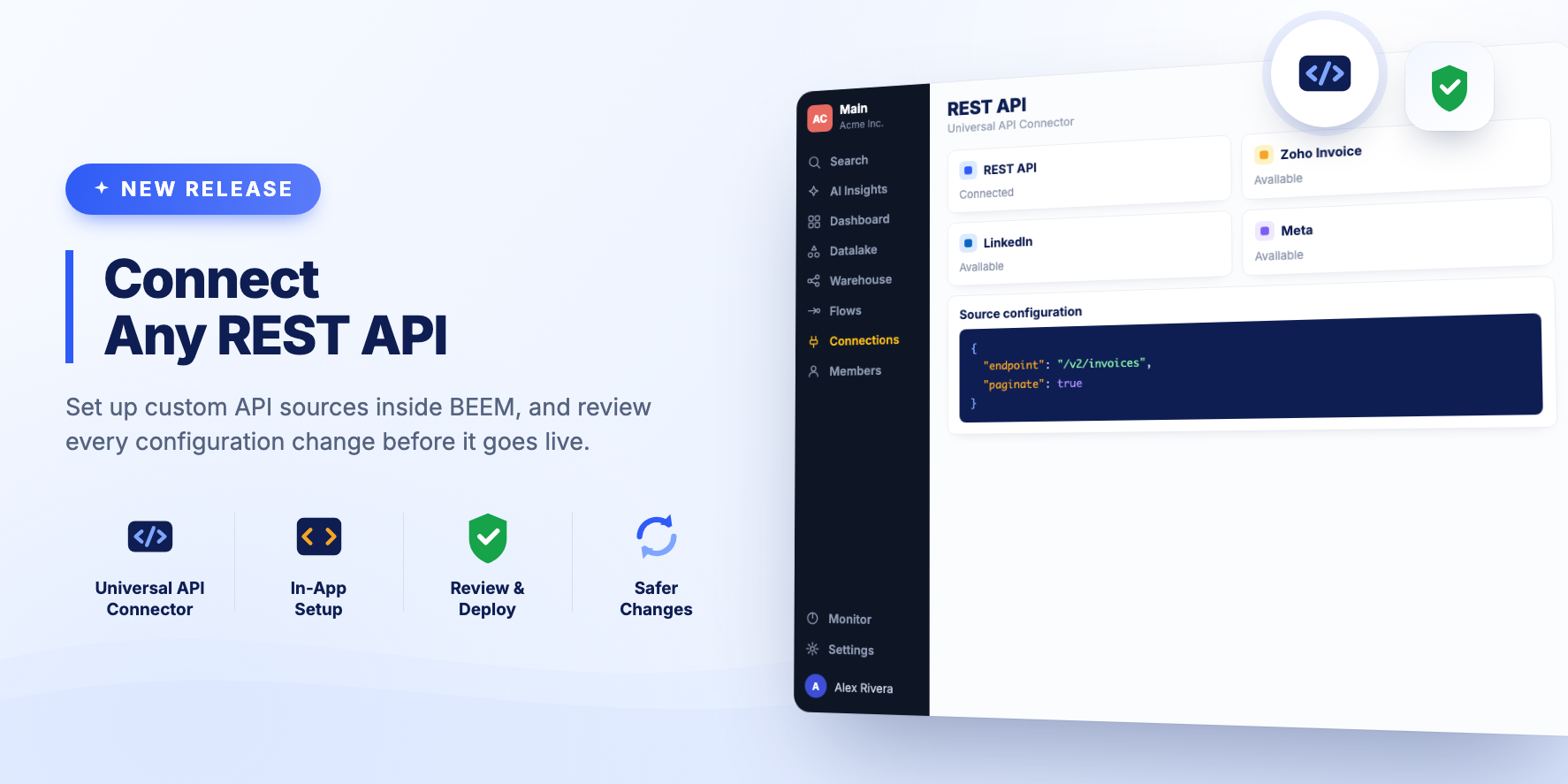
Custom REST API sources can be set up from inside BEEM, and source configuration changes get a review step before they go live.
New Features
Configure REST API sources in the app
The Universal API Connector is configured directly in BEEM. Point it at a REST API, describe the response, and start ingesting without leaving the product.
Review and deploy confirmation
Changes to a source configuration show a review and deploy step first, so you can see what is about to change before it is applied.
Release 2609
Dashboard Widget Controls and Layout Polish
✨ Summary
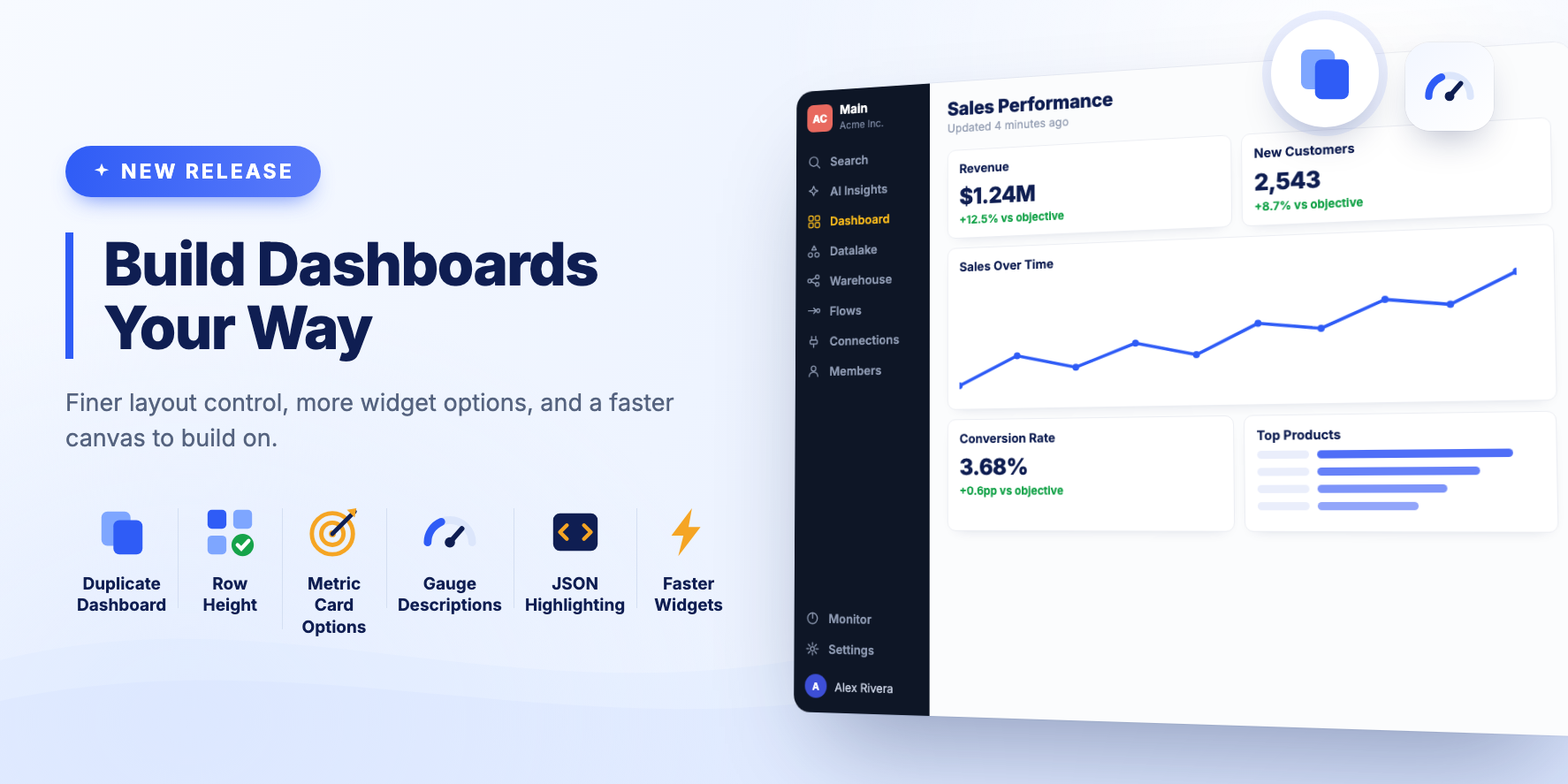
More control over dashboard layout, more options on individual widgets, and fixes for widget loading and performance.
New Features
- Duplicate an existing dashboard from the menu.
- Set dashboard row height in pixels, with an option to re-calculate the layout.
- Add a link URL to the image widget.
- Hide the title of a Metric Card.
- Place the gauge chart description below the whole chart, and use a dynamic value for it.
- JSON syntax highlighting in the Source Config editor, which makes custom source configuration much easier to read.
Bug Fixes and Improvements
- Dashboard widgets can be resized down to a 1 x 1 grid cell.
- Every Visualization type has an empty state. Previously a mock chart was shown.
- The New Dashboard button no longer says "Legacy".
- First fix for the dashboard loading issue when switching between view and edit modes.
- Fixed the text block widget controls, which did not work at small widths.
- Improved text block widget performance on dashboards with many widgets.
- Fixed the loading state on small dashboard widgets.
- The dashboard save and view buttons show a disabled state and a tooltip where it applies.
Release 2608
BEEM MCP: Clearer Validation Errors
- Clearer validation errors — Calling a tool without a required input now returns an immediate, specific message about what's missing, instead of failing partway through with a confusing error
- Security updates — Upgraded dependencies to resolve security advisories
BEEM MCP Server, released 9 June 2026
BEEM MCP: Query Result Fixes
- Query result fix — Datasets that returned no rows in certain formats now display their data correctly
- More reliable results — Queries against older datasets no longer fail on incomplete records
BEEM MCP Server, released 6 June 2026
BEEM MCP: Improved Stability
- Improved stability — Fixed memory issues that could slow down the service and cause periodic restarts, so the connection stays fast and steady
BEEM MCP Server, released 3 June 2026
BEEM MCP: Composite Tools and Interactive Cards
Major update with composite tools, richer responses, and interactive views.
-
Composite tools — 10 new high-level tools that combine multiple operations into single steps:
beemworkspaceoverview,beemdatasetdetails,beemexploreschema,beemsearch,beempipelinehealth,beemcreateanddeploydataset,beemcreateanddeploydatasettest,beemdeployandwait,beembuilddashboard, andbeemawait_operation -
Edit dataset schedule — New
beemeditdataset_scheduletool lets you add, change, or remove a dataset's automatic refresh schedule in one step — no need to manually redeploy - Deep links in every response — Tool results now include clickable "Open in BEEM" links for datasets, dashboards, flows, sources, and other entities, taking you straight to the right page in the web app
- Interactive cards — Supporting clients (Claude Desktop, claude.ai, Cursor, VS Code Copilot) now render rich HTML cards with status indicators, row counts, and action buttons alongside tool results
- Server-side polling — Long-running operations (deploys, queries) now poll server-side with a circuit breaker, eliminating repeated client round-trips
- Smarter error messages — Tool errors now include actionable hints and suggested next steps instead of raw error codes
- Security hardening — Added rate limiting, persistent client registrations across restarts, and cache TTL enforcement
BEEM MCP Server, released 29 May 2026
AI Center and the Meta Connector
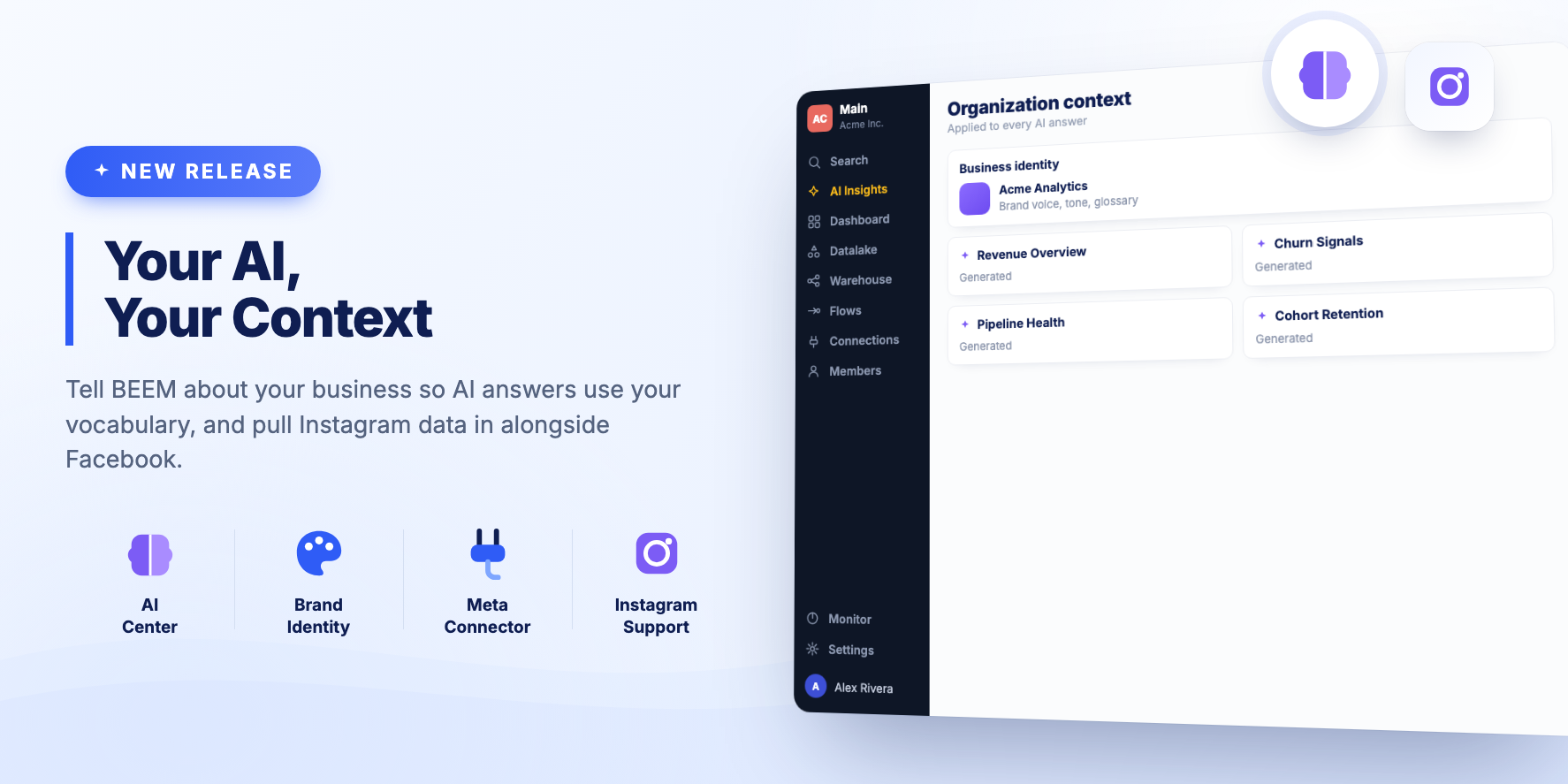
✨ Summary
You can now tell BEEM about your organization so that AI answers use your vocabulary, and the Facebook connector covers Instagram.
New Features
AI Center
Give BEEM context about your business, including identity and branding. AI generated answers use that context instead of generic phrasing.
Meta connector with Instagram
The Facebook custom connector is now the Meta connector, and it supports Instagram. Both sources come into BEEM through one connection.
BEEM MCP: Server Landing Page
- Landing page — Visiting the server URL in a browser now shows a branded page with setup instructions and links to documentation
BEEM MCP Server, released 18 May 2026
Table Sorting and Flexible Dashboard Filters
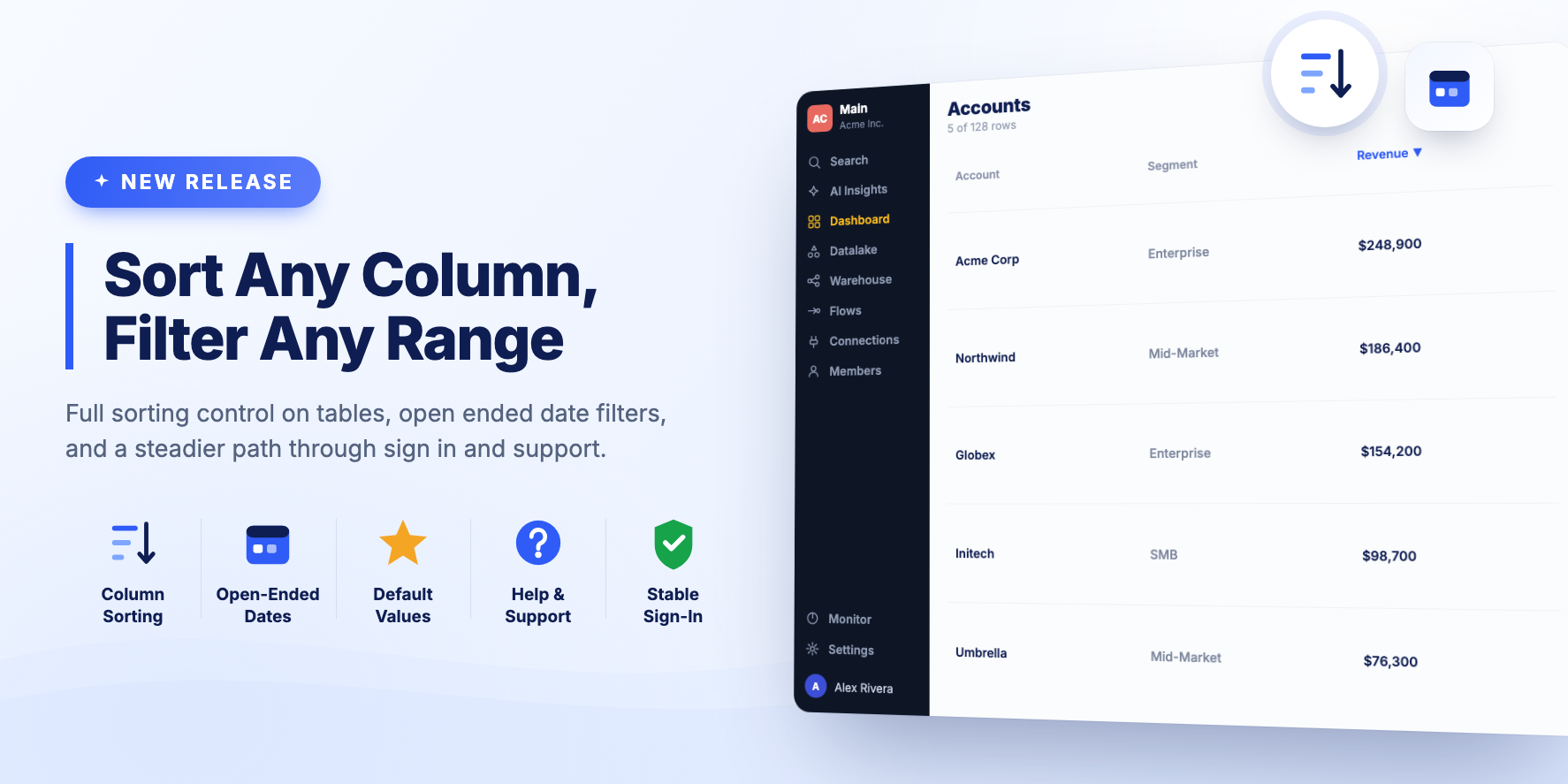
✨ Summary
Table Visualizations get full sorting control, and Dashboard Filters handle dates and default values more flexibly.
New Features
Table Visualization sorting
Pick a list of columns to sort table rows by. Both visible and hidden columns are supported, and you can choose whether to display the note about sorting on hidden columns.
Improvements
- The Knowledge Base is now called Help & Support.
- Date and Date Time Range filters can be open ended, so you can set a condition on just the From or just the To value. There is also a quick button for today's date.
- Dashboard Filter default values work for all data types, including date and time.
- Pagination on a Table Visualization can be hidden when there is only one page of data.
- The Connections list scrolls back to the top when you select a filter.
Bug Fixes
- Fixed a blank page that could appear when sign in returned an error.
- Filtering a Table Visualization always sends a fresh query to the warehouse, so the behaviour is consistent.
- When several Fivetran sources are set up at once, the setup script continues with the first one that completes its initial sync.
- People without a last name on their profile are prompted to complete it.
Release 2607.1
BEEM MCP: Source Configuration Tool and Longer Sessions
Reliability improvements, a new tool, and longer sessions.
-
Source configuration tool — New
beemgetorganizationsourceconfigtool lets you inspect your organization's source configuration (e.g. Tempo, Procore), with optional filtering by source and table key - Improved dataset test reliability — Dataset test creation now self-heals when the backend returns an incorrect resource identifier, matching existing behavior for datasets
- Auth improvement — Sessions now stay active as long as you use BEEM at least once every 7 days
- Reliability & observability — Added error tracking, usage analytics, and automated status page incident management to improve service quality and transparency
- Security fixes
BEEM MCP Server, released 5 May 2026
Smarter Dashboards and Cleaner Insights
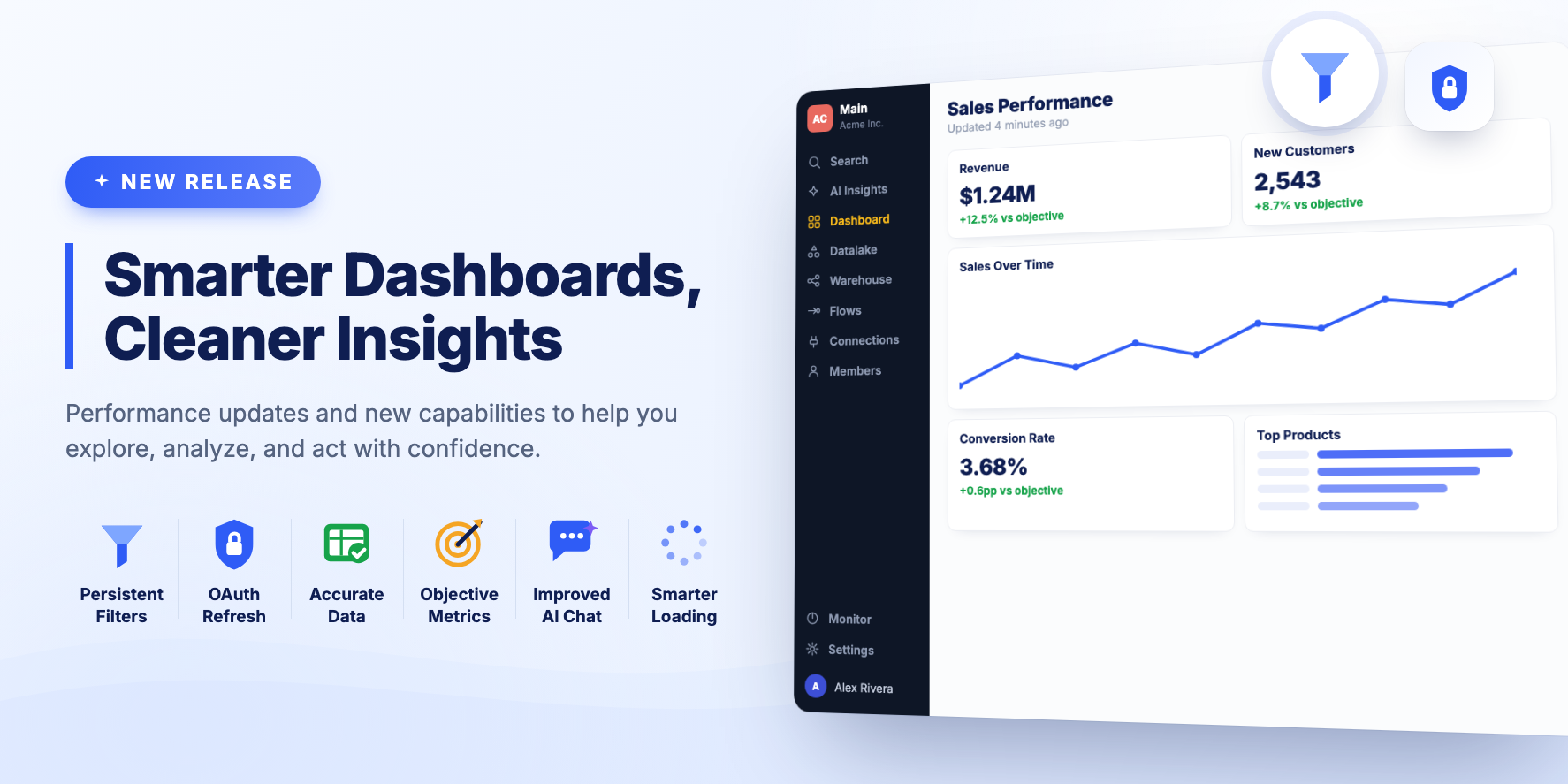
✨ Summary
This release focuses on improving dashboard usability, data accuracy, and overall user experience.
New Features
Dashboard filter persistence
Selected filters are remembered. When you come back to the same Dashboard, they are applied automatically.
OAuth credentials refresh
You can be redirected to an OAuth provider such as Facebook to re-authenticate a Connection through the BEEM platform.
Bug Fixes and Improvements
- A Clear Filters button resets Dashboard Filters in one click.
- The total row on a Table Visualization is calculated from every row in the dataset rather than from the visible page.
- Metric Cards show the objective, or comparison value, alongside the figure.
- Dashboard state is cleared when you switch between modes or between dashboards, so stale data from a previous dashboard no longer appears.
- AI Insights Chat has more room on screen.
- Dynamic Filters show a loading state while their options are fetched, and wait for Visualizations to finish loading before they take effect.
Release 2607
BEEM MCP: Now Available
Initial release of the BEEM MCP Server — connect your AI assistant to the BEEM data platform.
- Explore your data — Browse workspaces, folders, datasets, and data sources using natural language
- Query datasets — Retrieve rows from any dataset or preview SQL results before committing changes
- Build SQL views — Create datasets, write SQL queries, and deploy them as live views with scheduling
- Data quality testing — Create and run tests against your datasets to validate data integrity
- Monitor pipelines — Check pipeline execution history, identify failures, and review DPU usage
- Manage dashboards — Create dashboards, add widgets, and build visualizations from your datasets
- Track data flows — View how datasets connect to destinations through flows
- Works everywhere — Available on Claude.ai, Claude Desktop, Claude Code, GitHub Copilot, ChatGPT, and any MCP-compatible client
BEEM MCP Server, released 17 April 2026